

Introduction
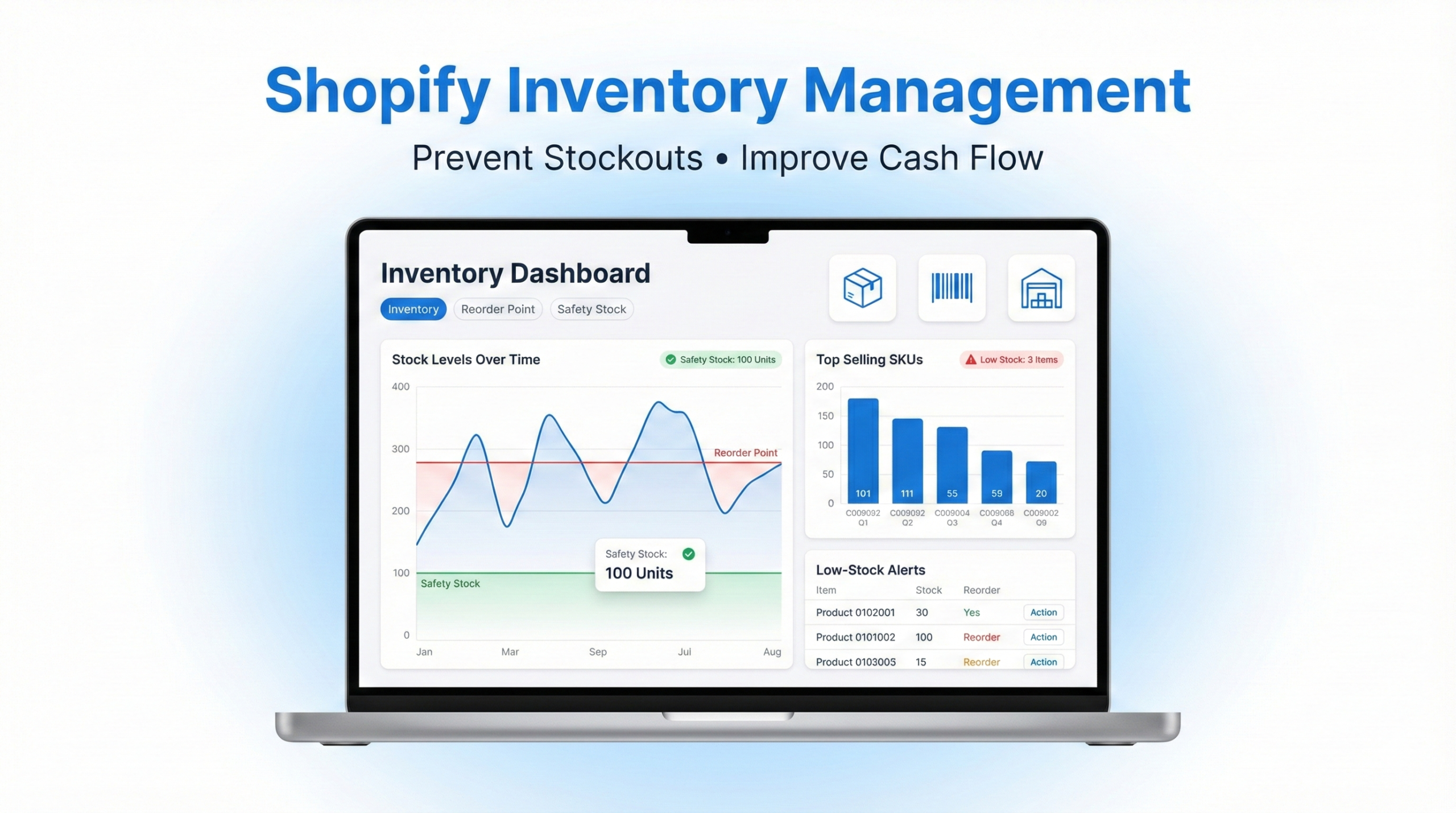
Effective Shopify inventory management is one of the most critical factors in building a profitable ecommerce business. Poor stock control leads to stockouts, overstocking, cash flow issues, and frustrated customers.
As your Shopify store grows, manually tracking inventory becomes inefficient and risky. You need a structured system that ensures optimal stock levels, accurate forecasting, and smooth order fulfillment.
In this guide, you will learn practical strategies to manage Shopify inventory efficiently, prevent stock shortages, and improve operational performance.
Why Shopify Inventory Management Is Important
Managing inventory correctly impacts nearly every part of your ecommerce business.
- Improved Cash Flow: Avoid tying up capital in slow-moving stock.
- Fewer Stockouts: Prevent lost sales due to unavailable products.
- Higher Customer Satisfaction: Deliver orders on time consistently.
- Better Data Decisions: Use inventory data to plan purchasing and promotions.
Strong inventory management directly improves profitability and scalability.
Step 1: Configure Shopify Inventory Tracking Correctly
1.1 Enable Inventory Tracking
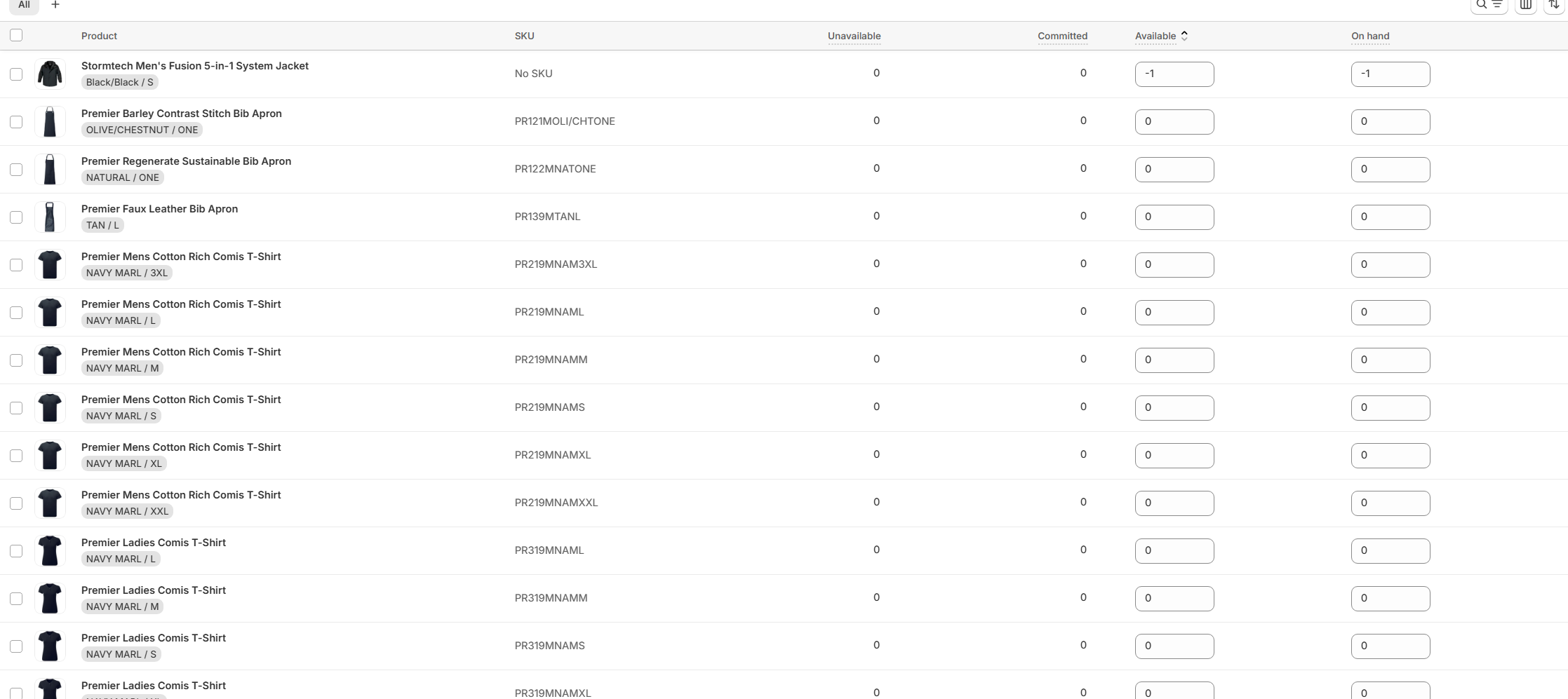
To properly manage Shopify inventory, start by enabling inventory tracking for every product variant.
- Go to Products in your Shopify dashboard
- Open a product
- Scroll to the Inventory section
- Enable “Track quantity”
This ensures real-time stock updates when orders are placed.
1.2 Organize Products with Clear Categories
Organize products into logical collections to simplify stock monitoring. Categories can be based on:
- Product type
- Season
- Brand
- Best sellers vs slow movers
Clear categorization makes inventory analysis faster and more accurate.
Step 2: Use the Reorder Point Formula
The reorder point determines when you should restock products to prevent stockouts.
Reorder Point = Average Daily Sales × Lead Time (Days)
Example:
If you sell 10 units per day and supplier lead time is 5 days:
Reorder Point = 10 × 5 = 50 units
When inventory drops to 50 units, it is time to reorder.
Step 3: Calculate Safety Stock
Safety stock protects your business from unexpected demand spikes or supplier delays.
Safety Stock Formula:
(Maximum Daily Usage × Maximum Lead Time) − (Average Daily Usage × Average Lead Time)
This buffer reduces the risk of running out of inventory during peak periods.
Step 4: Conduct Regular Inventory Audits
4.1 Physical Inventory Counts
Schedule monthly or quarterly physical counts to compare actual stock with recorded inventory.
4.2 Cycle Counting
Instead of counting everything at once, count small portions weekly. This improves accuracy without disrupting operations.
Step 5: Analyze Sales Data and Forecast Demand
5.1 Track Sales Trends
Use Shopify analytics to identify:
- Best-selling products
- Seasonal spikes
- Slow-moving inventory
5.2 Implement Demand Forecasting
Demand forecasting uses historical sales data to predict future demand.
If you sold 500 units last year and growth increased by 20 percent, forecast at least 600 units for the upcoming season.
Accurate forecasting helps maintain optimal stock levels while protecting cash flow.
Advanced Shopify Inventory Management Tips
- Use ABC analysis to prioritize high-value products
- Automate low-stock alerts
- Bundle slow-moving products with best sellers
- Use inventory management apps for multi-location tracking
Conclusion
Mastering Shopify inventory management requires systems, formulas, and consistent monitoring. By implementing reorder points, safety stock planning, regular audits, and demand forecasting, you can eliminate stock issues and improve profitability.
If you want professional help setting up or optimizing your Shopify inventory system, SMI Seller Solutions provides expert ecommerce support tailored to your store.
Frequently Asked Questions
How do I manage inventory on Shopify?
You can manage inventory on Shopify by enabling inventory tracking, setting reorder points, calculating safety stock, and using Shopify analytics to forecast demand.
What is the best inventory method for Shopify sellers?
Most Shopify sellers use reorder point planning combined with safety stock and demand forecasting to maintain optimal inventory levels.
Can Shopify track inventory automatically?
Yes, Shopify automatically reduces stock levels when an order is placed if inventory tracking is enabled.
External Resources
